




The modern home has evolved into a complex technological ecosystem. As of 2025, the average household is no longer just a collection of personal computers and smartphones; it is a hyper-connected hub where smart TVs, gaming consoles, home security cameras, and even kitchen appliances are constantly exchanging data with the outside world. While this connectivity offers unprecedented convenience, it has also created a significant security vacuum. Most of these “Internet of Things” (IoT) devices lack the robust security protocols found in modern operating systems, leaving your home network open to surveillance, data harvesting, and cyber threats.
For the average user, the standard solution has been to install a basic application on a phone or laptop. However, in an age where your smart fridge might be leaking your Wi-Fi credentials or your ISP is tracking every 4K stream to profile your lifestyle, a device-by-device approach is no longer sufficient. To truly secure the modern residence, you need a solution that protects the network at its source. A vpn for home, specifically when implemented through a high-performance router, offers the only comprehensive shield for the entire family. By securing the network gateway, you ensure that every byte of data leaving your home is encrypted, regardless of whether the device itself supports a security app.

This guide serves as the definitive resource for establishing a secure home network vpn. We will explore why traditional security methods are failing, how a vpn router for home provides superior scalability, and why a pre-configured solution is the smartest investment for your family’s digital sovereignty in 2025.
Why Home Networks Are More Vulnerable Than Ever
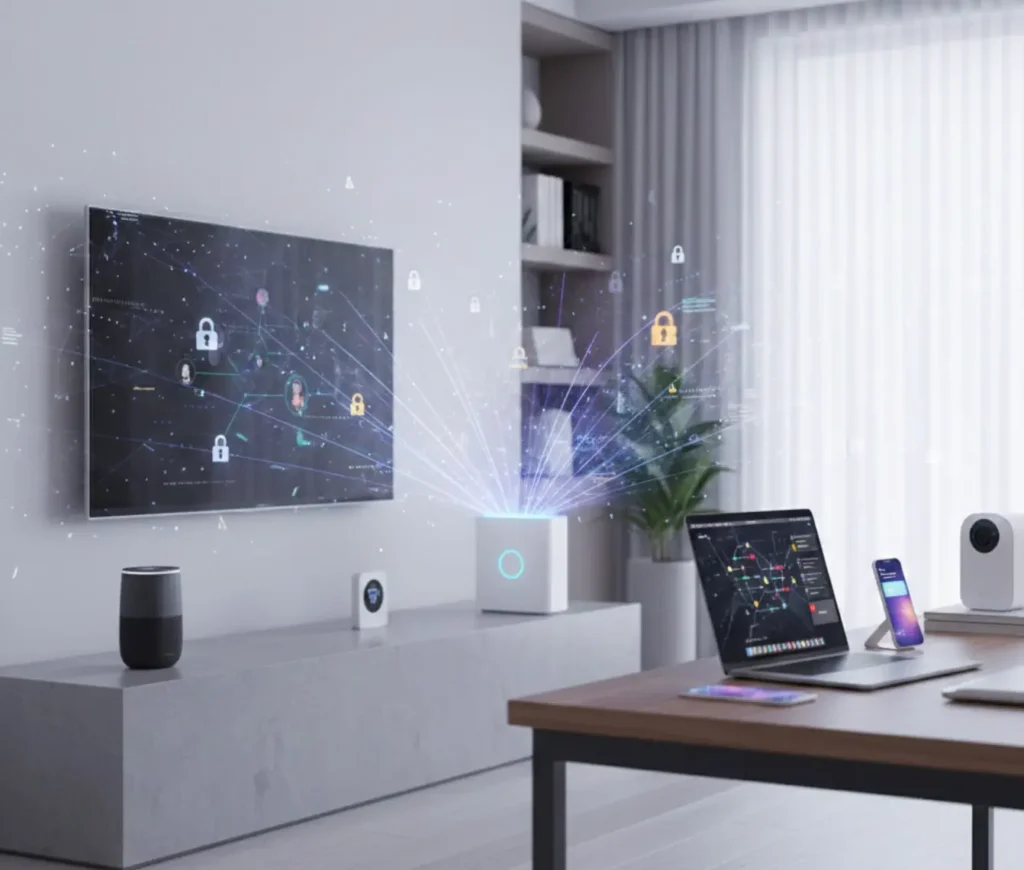
The digital landscape in 2025 has seen a dramatic shift in how personal data is collected and exploited. Your home network is no longer a private sanctuary; it is a primary source of telemetry for corporations and a high-value target for automated cyberattacks.
ISP Tracking and Behavioral Profiling
In the UK and globally, Internet Service Providers (ISPs) have moved beyond being simple utility providers. They have become massive data brokers. Under the 2025 UK Data (Use and Access) Act, the boundaries for data processing have shifted, allowing operators to leverage “anonymized” and aggregated data for broader commercial research. Major UK providers like Virgin Media O2 and BT reported record-breaking data consumption in 2025, driven by live sports and AI integration.
This usage data is incredibly detailed. ISPs can see exactly when you are home, what services you use, and even the specific types of health or financial advice you seek through AI tools. A vpn for home wifi is the only way to blindfold your ISP, preventing them from seeing your browsing history or building a behavioral profile of your household.
The IoT Security Gap
Perhaps the greatest threat to the modern home is the proliferation of insecure IoT devices. Research indicates that over 50% of IoT devices currently in use possess critical vulnerabilities that are actively exploitable. Many of these gadgets ranging from smart thermostats to connected cameras feature “embedded credentials” (passwords built into the source code) or lack the processing power to receive regular security updates.
When a single low-security device like a smart lightbulb is compromised, it can serve as a “beachhead” for attackers to pivot to more sensitive devices on the same network, such as your work laptop or personal phone. Because these devices cannot run security software, the only way to protect them is through network-level encryption provided by a vpn router for home.
The Remote Work Intersection
The lines between professional and personal digital lives have blurred. With remote work remaining a standard for many early and mid-career professionals, home networks now carry sensitive corporate data alongside family photos and Netflix streams. An unsecured home network is not just a personal risk; it is a professional liability. A secure home network vpn ensures that your home environment meets the encryption standards required for modern enterprise security without requiring complex configurations on every individual device.
What Is the Best VPN Solution for a Home?
When choosing how to implement a vpn for home, you generally face three choices: device-level apps, Smart DNS, or a dedicated router. While each has its place, they offer vastly different levels of protection.
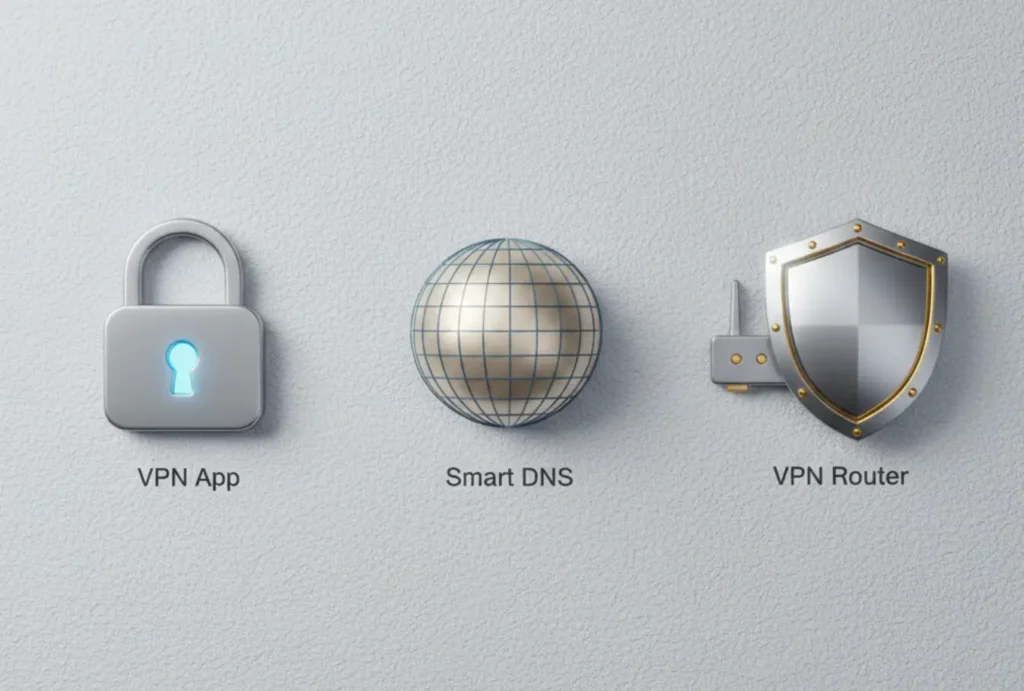
| Feature | VPN Application | Smart DNS | VPN Router |
| Encryption | Single Device (Strong) | None | Whole Network (Strong) |
| Privacy Protection | High (Device-specific) | Low (Location only) | High (Total Network) |
| Device Compatibility | Limited to OS support | High (DNS based) | Universal (Any Wi-Fi device) |
| Always-On Security | No (Manual toggle) | Yes (Static) | Yes (Perpetual) |
| Setup Difficulty | Low | Medium | Low (If Pre-configured) |
| ISP Privacy | Hides traffic on device | Does not hide traffic | Hides all home traffic |
The Limitations of Smart DNS
Smart DNS is often marketed as a tool for “unblocking” content. It works by rerouting your DNS queries to bypass geographic restrictions. While it is fast because it does not use encryption, it provides zero privacy. Your ISP can still see everything you do, and your data remains exposed to hackers. It is a convenience tool, not a security tool.
The Fragmented Nature of VPN Apps
VPN apps are excellent for mobile users on the go. However, for a home environment, they are “fragmented.” You have to remember to turn them on. You have to update them on every phone, tablet, and PC. Most importantly, they do nothing for your smart TV, gaming console, or IoT devices, which are often the most vulnerable parts of your network.
The Comprehensive Power of VPN Routers
A vpn router for home is the only solution that provides “blanket” coverage. By installing the encryption software directly on the router, you create a secure tunnel that encompasses every device in the house. There is no app to open and no switch to toggle. If a device is connected to your Wi-Fi, it is automatically protected.
VPN for Multiple Devices — Why Apps Don’t Scale
In 2025, the average family easily owns 15 to 20 internet-connected devices. From smartphones and tablets to smart watches and e-readers, the sheer number of gadgets makes individual app management a technical nightmare.

Connection Limits and Subscriptions
Most premium subscription services limit you to 8 or 10 simultaneous connections. For a family of four, these limits are often reached by lunchtime. If you have a phone, a laptop, and a tablet, you have already used three of those slots. Add in your partner’s devices and your children’s gadgets, and you are forced to choose which devices deserve protection and which are left exposed.
A vpn router for home solves this problem instantly. Because the router maintains a single persistent connection to the secure server, it only counts as one “device” in the eyes of your provider. You can then connect an unlimited number of devices to that router—phones, TVs, consoles, and smart home sensors all benefiting from the same encrypted tunnel without ever hitting a connection limit.
Performance and Compatibility
Not every device is powerful enough to run a VPN app. Older tablets or budget smartphones often see a significant performance drop when encryption is running in the background. Furthermore, many of the most popular home devices such as the PlayStation 5, Xbox Series X, Apple TV, and various Smart TVs do not support VPN apps at all.
By offloading the “heavy lifting” of encryption to the router’s dedicated processor, you ensure that your devices maintain their performance. A vpn for multiple devices managed at the router level is the only way to bring privacy to hardware that was never designed with security in mind.
VPN for Families & Kids
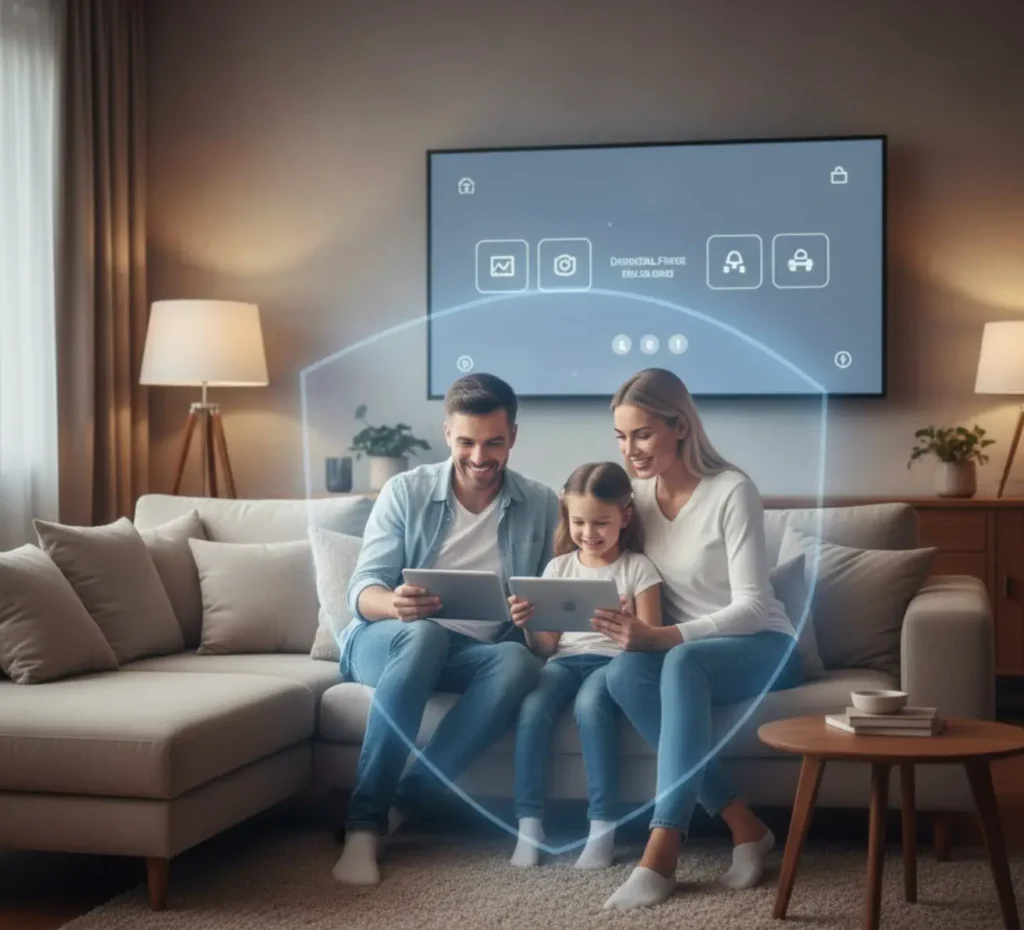
For parents, the internet in 2025 is a minefield of intrusive advertising, data tracking, and inappropriate content. The UK’s Online Safety Act has introduced new requirements for age verification, but it has also increased the amount of personal data (including photo IDs) that platforms are collecting. This has led to a surge in VPN usage as families look for ways to protect their children’s digital footprint from over-reaching data collection.
Network-Wide Ad and Tracker Blocking
One of the most immediate benefits of a vpn for family is the ability to block advertisements and trackers at the source. Traditional ad-blockers are browser extensions, meaning they don’t work in mobile apps or on smart TVs. However, a high-quality VPN router can utilize DNS-level filtering to “sinkhole” advertising domains before they even reach your devices.
- Faster Loading: By blocking ads before they download, your web pages load faster and use less bandwidth.
- Privacy for Kids: Children are primary targets for behavioral tracking. A router-level VPN prevents ad networks from building a profile based on your child’s gaming habits or YouTube history.
- Cleaner Experience: Imagine a YouTube or streaming experience on your smart TV that is significantly quieter, with fewer intrusive pop-ups and tracking scripts.
Peace of Mind with “Always-On” Protection
Children (and even some adults) often forget to enable security apps. They might disable a VPN because they think it’s slowing down their game, or they might simply forget to turn it on after a reboot. With a vpn for home wifi implemented on a router, the protection is “passive.” There is no way for a child to bypass the security without having the admin password to the router. This provides parents with the peace of mind that the family’s privacy is always active, 24/7.
VPN Router for Home — How It Works
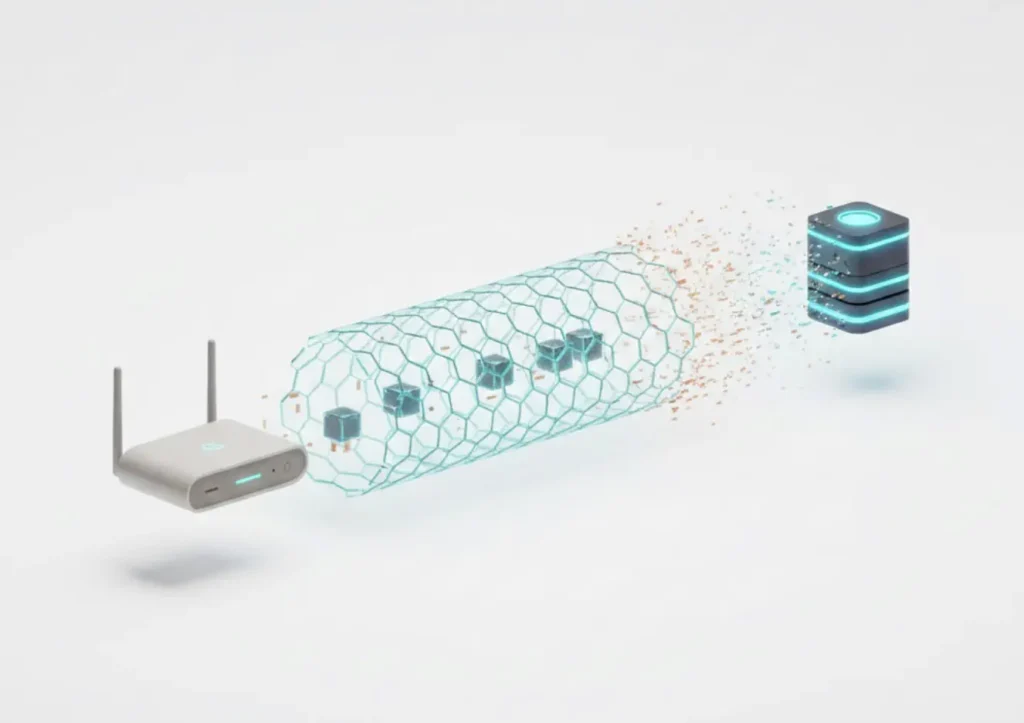
You don’t need a degree in computer science to understand how a VPN router protects you. It essentially acts as a secure “digital gatekeeper” for your house.
The Encrypted Tunnel
Normally, when you visit a website, your data travels in a straight, readable line to your ISP and then to the destination. Anyone sitting in the middle can see what you are doing. When you use a vpn router for home, the router encrypts your data before it even leaves your house. It wraps your information in a layer of military-grade code (typically AES-256 or the modern ChaCha20 protocol) and sends it through a secure tunnel to a remote server.
To your ISP, your internet traffic looks like a single stream of unreadable, gibberish code. They cannot see which websites you visit, what videos you watch, or what files you download. They only see that you are connected to a secure server.
“Set Once, Protect Everything”
The beauty of this system is its simplicity. Once the router is configured, you don’t have to touch it again. It handles the handshake with the secure server, manages the encryption keys, and distributes the secure connection to your entire house. It turns your home Wi-Fi into a private, encrypted zone. Whether it’s a guest’s phone, a new tablet you just unboxed, or a smart thermostat, the moment it joins your Wi-Fi, it is inside the “shield.”
Does a VPN for Home Slow Down Internet?
One of the most common myths is that a VPN will “break” your internet speed. While it is true that the process of encryption requires some processing power, the technology has advanced significantly by 2025.
The Rise of WireGuard
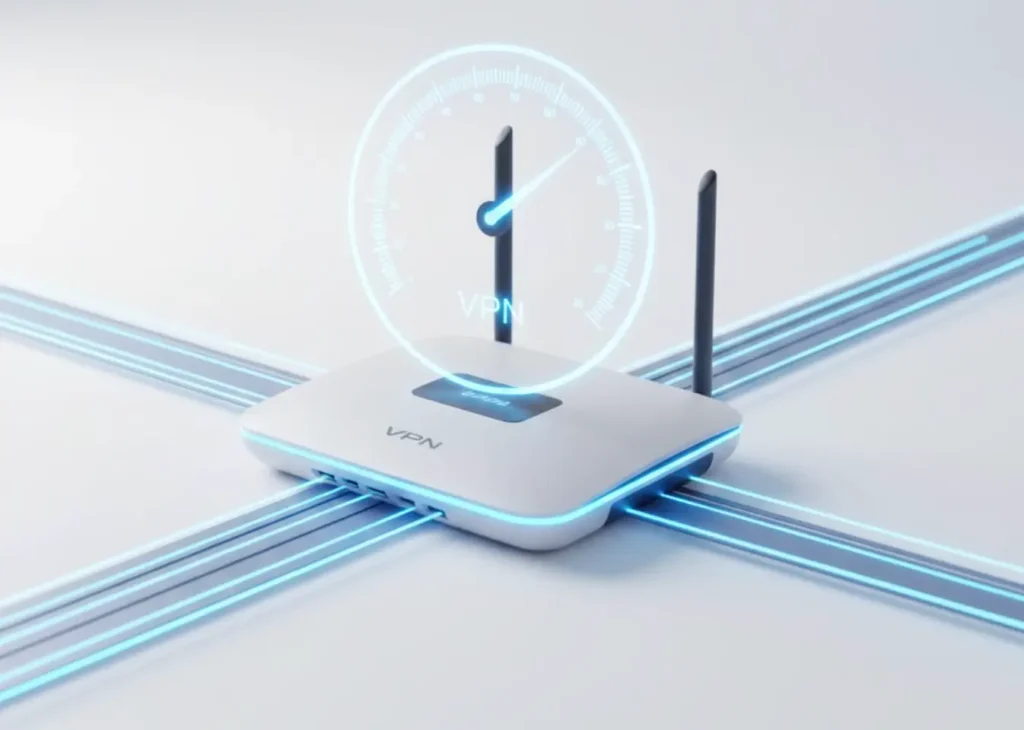
The introduction of the WireGuard protocol has revolutionized VPN speeds. Older protocols like OpenVPN are “heavy” and can be slow on standard hardware. WireGuard, however, is lean and designed for modern, multi-core processors. On a high-quality vpn router for home, WireGuard can maintain 85% to 95% of your original ISP speed. For most households with fiber connections, this difference is completely unnoticeable, even during 4K streaming or intensive gaming.
Hardware Matters
The reason some people experience slow speeds is that they try to run a VPN on a cheap, underpowered ISP router. Encryption is a mathematical process that requires a strong CPU. Professional-grade VPN routers use specialized processors and hardware acceleration (like AES-NI) to handle the data load without causing a bottleneck.
We address speed concerns honestly: if you are using a high-performance, optimized router, your “vpn for home” will not hinder your digital life. It will simply make it more secure.
VPN for Home Streaming & Smart TVs
Streaming is now the primary way we consume media, but it is also one of the most geographically restricted. Content libraries in the UK differ significantly from those in the US, Europe, or Japan due to regional licensing agreements.

Bringing Privacy to the Big Screen
Smart TVs and streaming sticks (like Roku or Amazon Fire TV) are notorious for data collection. They often track exactly what you watch and sell that data to advertisers. Because these devices rarely support native VPN apps, they are typically the “weakest link” in a home network.
By using a vpn router for home, your smart TV is automatically shielded. This doesn’t just protect your viewing habits; it also allows you to access a world of content. By switching the router’s location to a different country, every TV in your house can access global libraries safely and legally.
Stability for Gaming and Consoles
For gamers, latency (or “ping”) is everything. A secure home network vpn on a router provides a more stable connection than an app running on a PC. Since the router handles the connection at the hardware level, it prevents the software-related lag that can sometimes occur with desktop applications. This ensures that your gaming sessions are both private and lightning-fast.
How to Set Up a VPN for Home
There are two ways to get a VPN on your router: the hard way and the easy way.
The Manual Route: “Flashing” Your Router
The manual method involves taking a standard router and “flashing” it with custom firmware like DD-WRT or Tomato. This is a technical and risky process. A single mistake during the installation can “brick” your router, turning an expensive piece of hardware into a useless plastic box. Even if successful, you then have to manually input server configurations, security certificates, and firewall scripts. For most people, this is a recipe for frustration.
The Easy Route: Pre-Configured VPN Routers
The smartest solution is a pre-configured VPN router. These are professional-grade routers that arrive at your door with the security software already installed and optimized.
- Plug-and-Play: You simply plug it into your existing internet modem, and your secure network is live.
- Optimized Performance: The firmware is tuned specifically for the hardware, ensuring the fastest possible speeds.
- User-Friendly Dashboards: Instead of looking at lines of code, you get a simple interface where you can change your server location with one click.
- Support: Pre-configured routers come with expert support, so you aren’t left on your own if you have questions.
At UrbanShieldVPN, we believe that privacy should be accessible to everyone, not just the “tech-savvy.” A pre-configured router is the bridge that makes high-level security possible for any household.
Is a VPN for Home Worth It in 2025?
As we look at the trajectory of digital privacy, the answer is a resounding yes. The cost of a “vpn for home” should be viewed not as an expense, but as a long-term investment in your family’s safety.
Cost vs. Value
When you consider the price of multiple individual subscriptions, the time spent managing apps on 20 different devices, and the potential cost of a data breach, a centralized router solution is remarkably cost-effective. You are paying for a single “point of protection” that covers everything from your work laptop to your child’s gaming console.
Long-Term Privacy Benefits
The data collected about you today your health queries, your political interests, your shopping habits—is stored in databases forever. In 2025, protecting that data is no longer a luxury; it is a necessity. A vpn router for home provides a permanent, always-on barrier that ensures your private life remains just that private.
Conclusion
The vulnerabilities of the modern home network are real, but they are not insurmountable. Whether it is the intrusive data harvesting by ISPs, the inherent weaknesses in smart home devices, or the complexity of securing a multi-device household, the challenges of 2025 require a centralized solution.
A vpn for home is the cornerstone of a modern digital defense. By moving your security from individual apps to a vpn router for home, you achieve a level of protection that is scalable, “always-on,” and universally compatible. It is the only way to ensure that your family can stream, game, and work with total peace of mind.
Don’t leave your family’s privacy to chance or depend on a collection of fragile apps. The smartest long-term solution for your home is a pre-configured VPN router. It is the “set and forget” security your household deserves, providing a robust, encrypted shield for every device you own today—and every one you’ll buy tomorrow.
FAQ
1. Is a VPN necessary for home Wi-Fi?
Yes. In 2025, your ISP tracks your browsing history to build behavioral profiles, and many smart devices have critical security flaws. A VPN is the only effective way to encrypt your entire network and protect your privacy from both corporate tracking and cyber threats.
2. Can one VPN protect all devices at home?
Yes, but only if it is installed at the router level. While a standard VPN app only protects the device it is on, a vpn router for home secures every device connected to your Wi-Fi—including smart TVs, gaming consoles, and IoT gadgets—using just one subscription.
3. Is a VPN router better than VPN apps?
For home use, yes. A router provides “blanket” coverage that is always on, protects devices that don’t support apps (like smart fridges or consoles), and doesn’t hit the simultaneous connection limits imposed by most VPN providers.
4. Will a VPN affect smart TVs or gaming?
When using a modern vpn router for home with the WireGuard protocol, the impact on speed is minimal. In fact, for streaming and gaming, a router-level VPN is often more stable than a software app, providing high-quality 4K video and low-latency gaming.
5. Is using a VPN at home legal in the UK?
Absolutely. Using a VPN is perfectly legal in the UK for privacy and security purposes. While the Online Safety Act has introduced new regulations for platforms, it does not criminalize the use of encryption tools by individuals to protect their home networks.